

Views
Views
Introduction
Views are albums that let you group your images flexibly and in a personalized way. Unlike series, which reflect the production context of their images, views are alternative or temporary groupings you create based on your needs.
An image always belongs to one series (and only one), but it can also belong to multiple views. Views are particularly useful to:
- Prepare a selection for sending to a picture editor
- Compose a thematic dossier for a media outlet
- Create a temporary album for internal or collaborative use
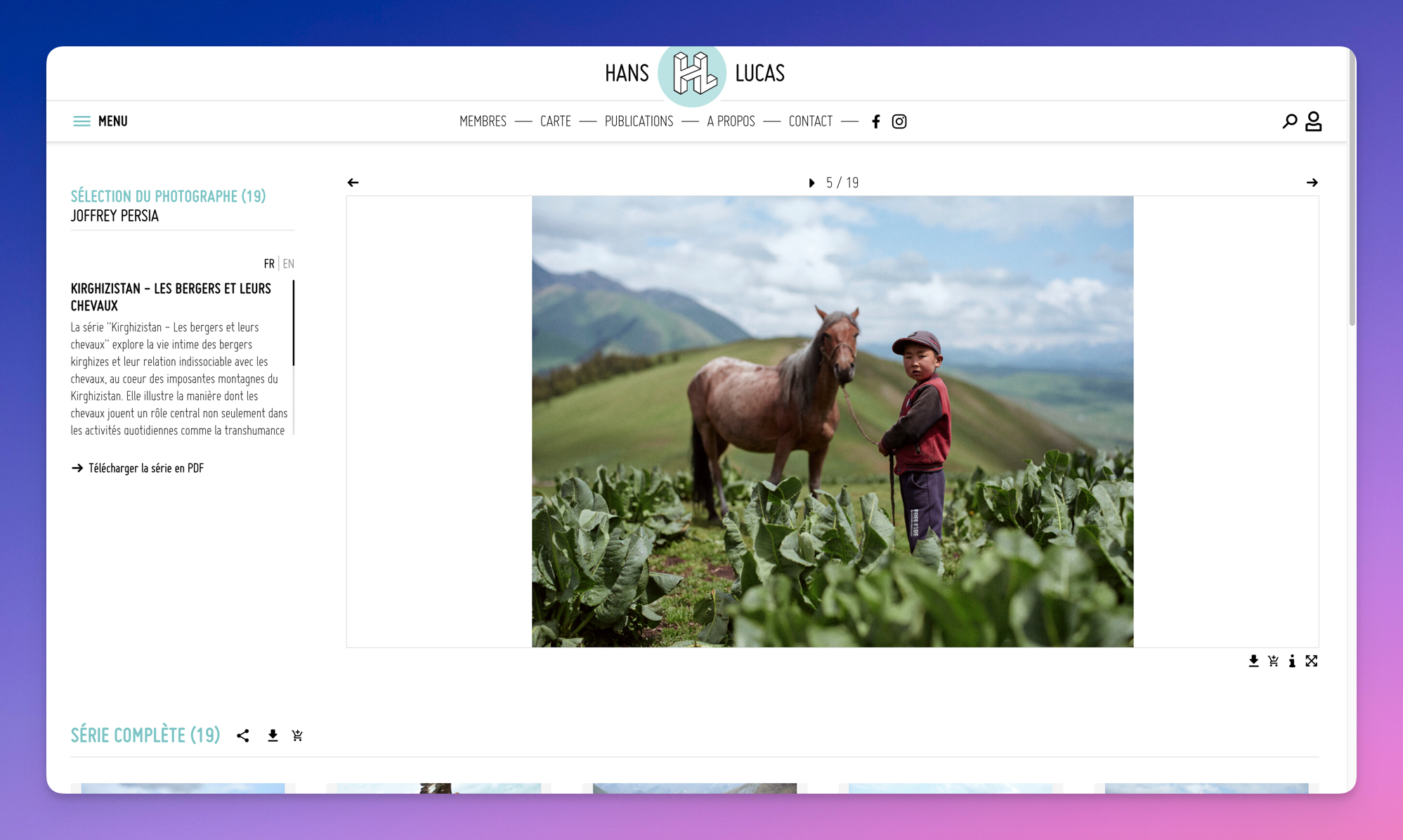
- Publish thematic portfolios on your profile (iconographers love these)
Create a view
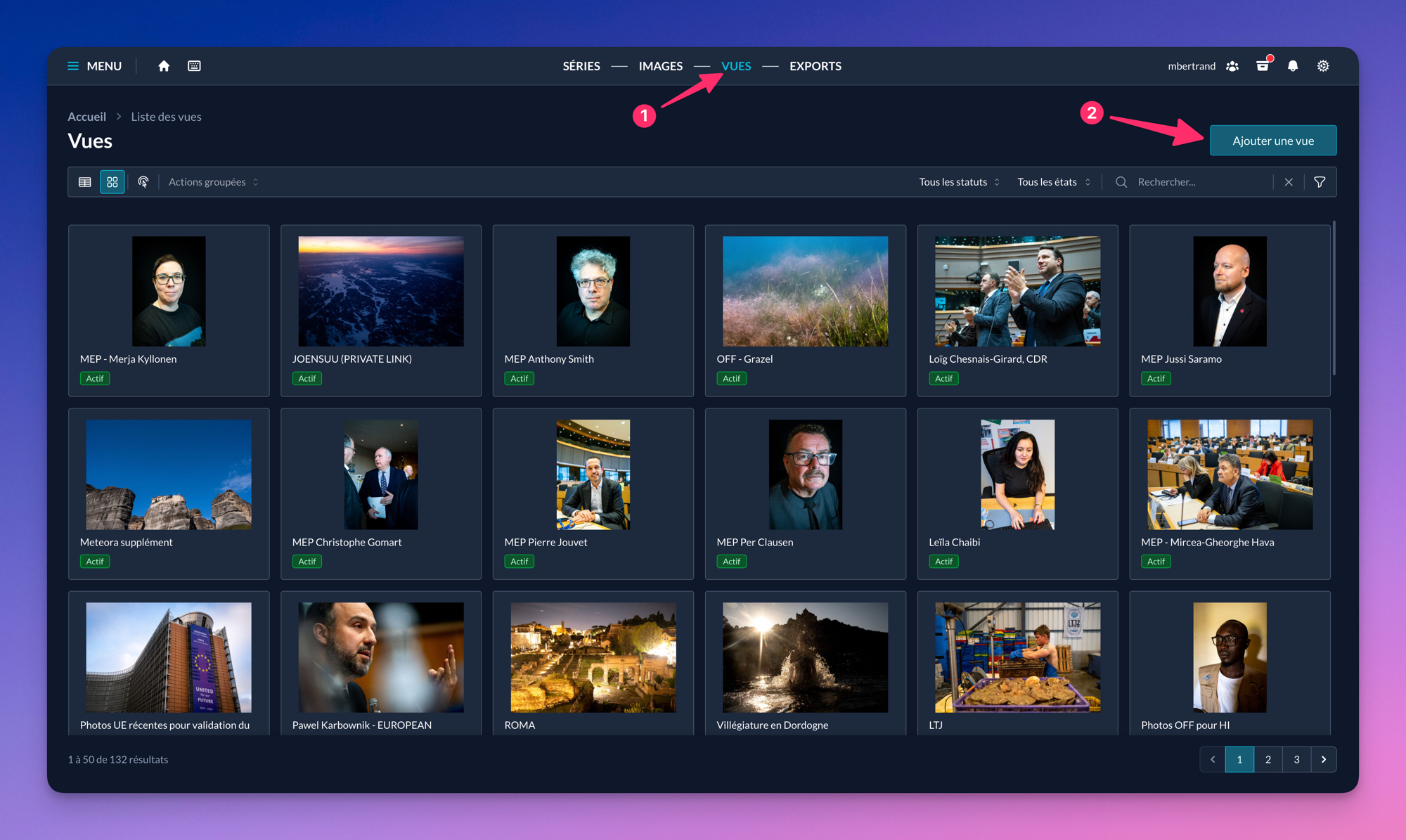
Once logged in to MDALL, open the “Views ” tab then click “Add a view” to create a new set.
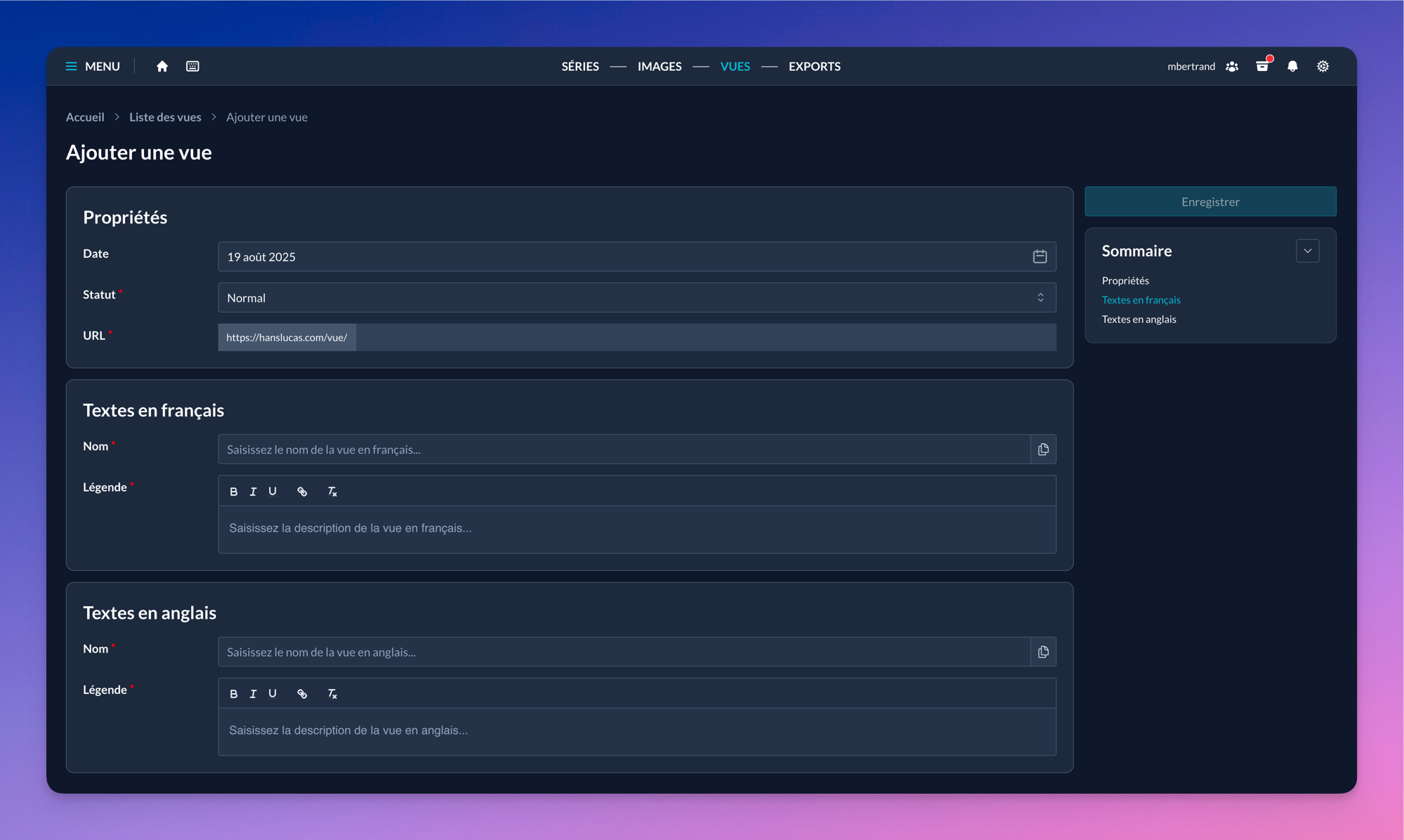
The creation page only shows the fields required to save the view. You can complete or modify this information later; nothing is final at this stage.
Edit a view
Below is the exhaustive list of fields and settings available on a view’s edit page.
Activation
This field publishes the view on the public site. The view will be accessible via its URL and, depending on statuses, on your profile pages.
Date
This field corresponds to the view’s creation date.
Status
The status defines where the view appears on your profile pages.
- Choosing “Portfolio – Position X” displays the view on your main member page (hanslucas.com/username/photo) at position X. The view is also accessible via its URL link.
- Choosing “Normal” doesn’t display the view on your profile, but it will be accessible via its URL link.
- Choosing “Portfolio + thematic” displays a thematic gallery above your photo projects as a carousel. You can have up to 4 thematic carousels: Portraits, News, Reportages, and Creative. The view is also accessible via its URL link.
URL
This field generates the URL from which the view will be accessible. The link always starts with “https://hanslucas.com/vue/”. The URL is customizable.
The link is active as soon as the view’s activation is set to ON, i.e., once it’s activated.
Name (fr/en)
Defines the view’s public name.
Caption (fr/en)
Defines the view’s public description.
Images
This field lets you:
- See images (as thumbnails or in a viewer)
- Order images (drag and drop)
- Perform actions on one or more images via a contextual menu
- Get information about exports and their individual statuses
Default portfolio
When a member has more than one thematic carousel on their profile page, they can choose which one appears by default (and is visible first).
Reminder: to display a view as a thematic carousel on your profile page, simply change its status.
Locations
Assign a location to the view. Locations are not currently used on the public site.
Links
Display additional links—external or internal—on the public page of the view.
Associated accounts
Unlike a series, a view can be collaborative. You can invite other Hans Lucas members so they can edit the view and also publish it on their Hans Lucas profile page(s).
List of views
You can see all your views on the page mdall.hanslucas.com/vues.
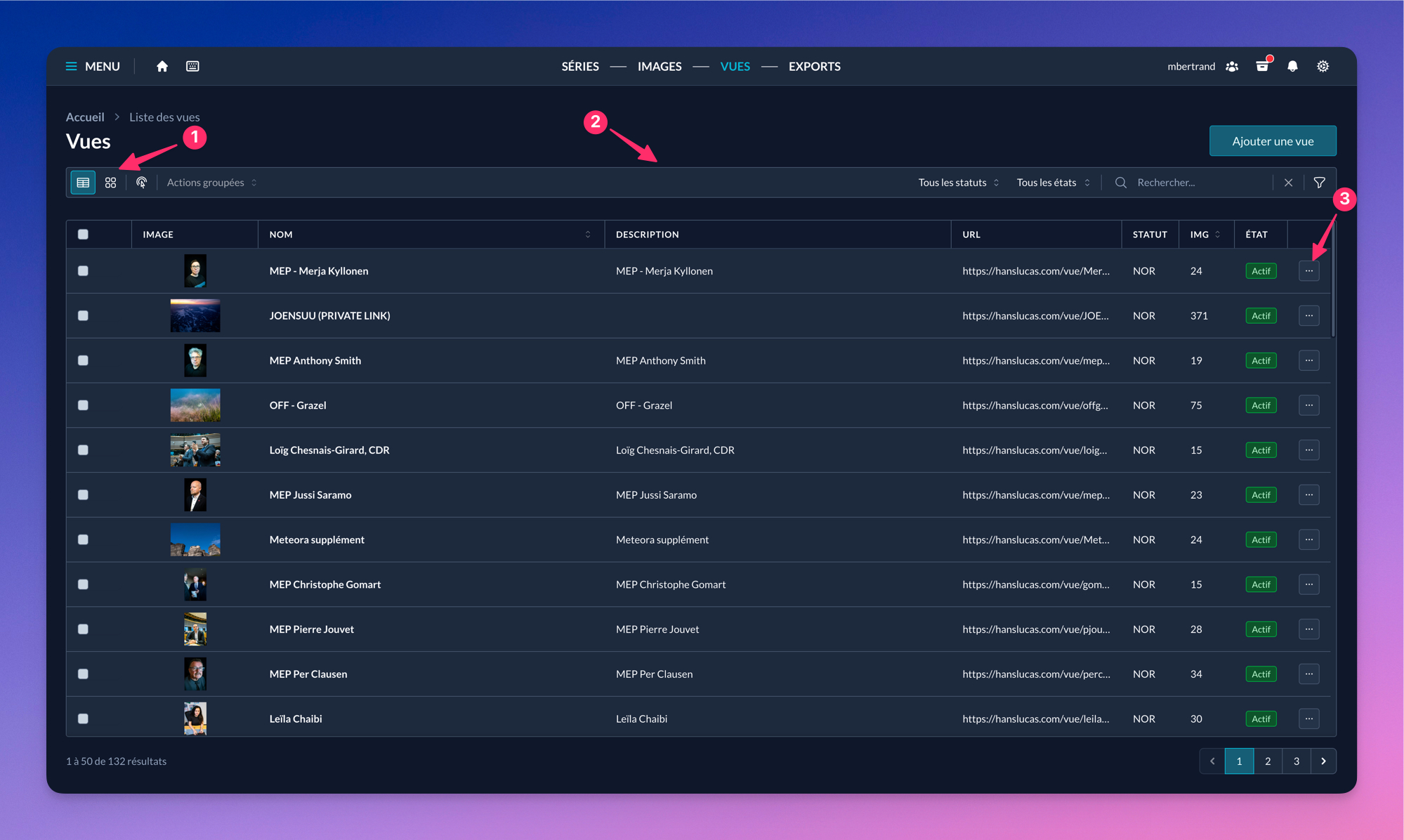
Here’s how the interface is laid out:
- Display toggle buttons: show views in table or grid. Each layout has unique advantages and useful information.
- Filter bar: multi-purpose; groups action buttons or filters that affect displayed views.
- Action buttons per view: let you manipulate the item or navigate to its edit page.